Corporate events
Conference and Corporate Event Planning: A Practical End-to-End Flow
Bring objectives, programme, speakers, technical rehearsals, attendee experience and event-day ownership into one practical conference plan.
A successful conference is not created simply by placing good speakers on the same programme. From the moment an attendee sees the invitation until they leave the venue, content, registration, technical systems, catering and wayfinding need to work together.
Build the plan as a decision system rather than a long task list. Every stage needs an objective, owner, deadline and method of confirmation. The framework below can be adapted for anything from a small team meeting to a multi-session corporate event.
Define purpose and success in one sentence
“Run a conference” is not an objective. Helping participants learn a new practice, enabling partners to understand a product roadmap or allowing teams to make shared decisions are more useful goals. This sentence guides programme, speaker and format choices.
Do not measure success through registrations alone. Attendance rate, completed sessions, questions, meeting requests, survey responses or a defined follow-up action may be relevant. Identify only the data required for the chosen measure and avoid unnecessary collection of personal information.
Describe the audience by role, knowledge level, language, access needs and reason for attending. A programme that tries to speak to everybody can become unclear for everyone.
Connect scope, budget and decision ownership
Summarise scope through the date, expected attendance range, number of sessions, streaming or recording requirements, catering and brand treatments. Divide the budget into venue, technical production, content, speakers, travel, catering, design, staffing and contingency rather than tracking only one total.
Name the decision owner for each area. One person may approve budget changes, another the content flow and another technical implementation. Routing every small event-day choice through one person creates delays.
Create a risk register. Consider speaker cancellation, connection failure, incompatible files, attendance below or above expectations, transport delays and health incidents. Assess likelihood and impact. Every high risk needs a practical fallback and a named owner.
Design the programme around attendee energy
Instead of sequencing sessions only by speaker availability, consider attention and transitions. Balance long presentation blocks with questions, breaks, practical work or networking. Session titles should clearly describe the content they promise.
Add transition time to every session
Between one session ending and another beginning, the stage changes, microphones move, files open and people take seats. These invisible actions use real time. Plan speaking time, questions and technical transition separately.
Treat breaks as time for toilets, accessible movement, checking messages and mental rest as well as refreshments. A break that is too short can produce service queues and delays; one that is too long may weaken the programme’s focus.
Link venue and layout to the programme
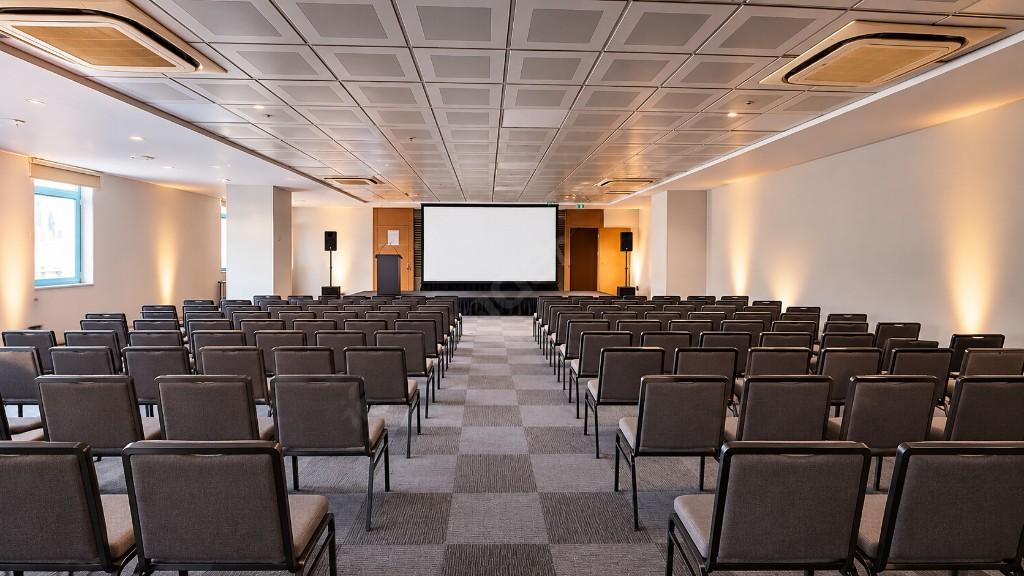
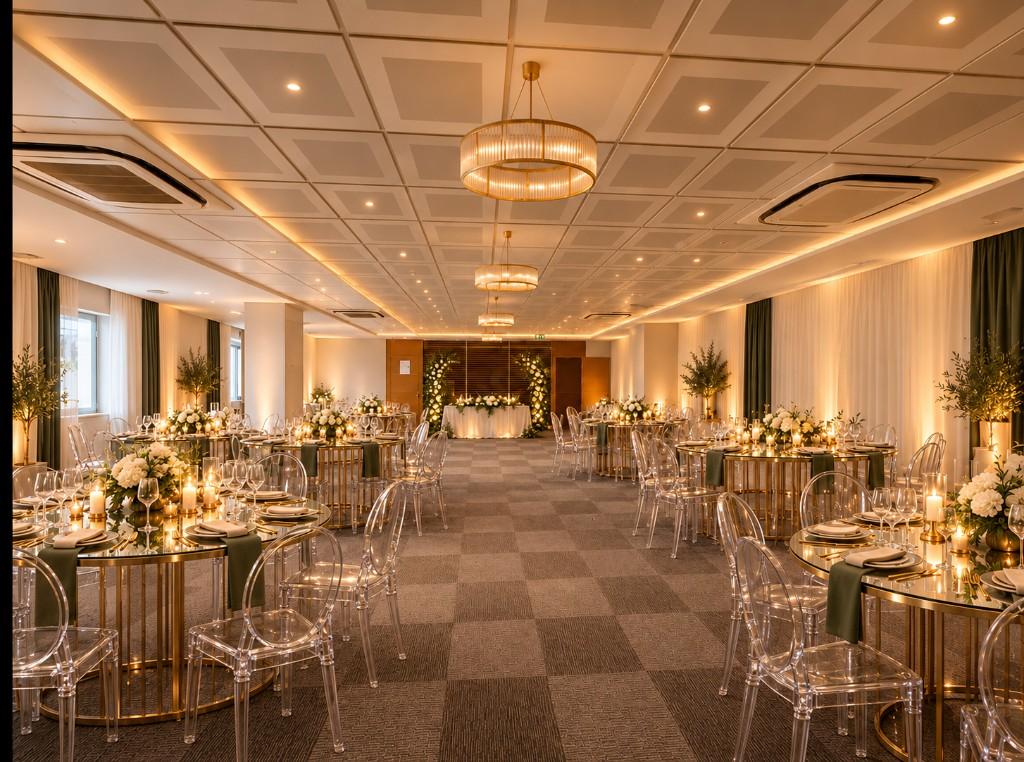
Theatre seating can be efficient for main presentations; classroom seating provides a working surface. Cabaret or round tables can support collaboration. Behavioural goals should guide the choice alongside participant numbers.
Walk the route between registration, badge collection, cloakroom, main room, break area and toilets. Ensure a queue cannot block an entrance or emergency exit. Confirm screen visibility, sound coverage, accessible seating and a speaker waiting area on site.
Venue capacity and technical provision should be verified through the event-specific layout and rehearsal. General brochure or website information does not replace an implementation plan.
Standardise the speaker process
Send every speaker the same core pack: event purpose and audience, session length, question format, stage layout, presentation ratio, file deadline, recording or streaming permissions and travel details.
Collect presentations in one controlled system before the event. Use a file naming standard, check fonts and video links, and prepare an offline copy. If a speaker must use their own laptop, test its connection and adapters in advance.
Prepare a concise running note for the moderator. Include confirmed speaker name and title, opening line, time signals, question method and closing announcement. Ask each speaker to verify the current spelling of their name and title.
Rehearse with real content
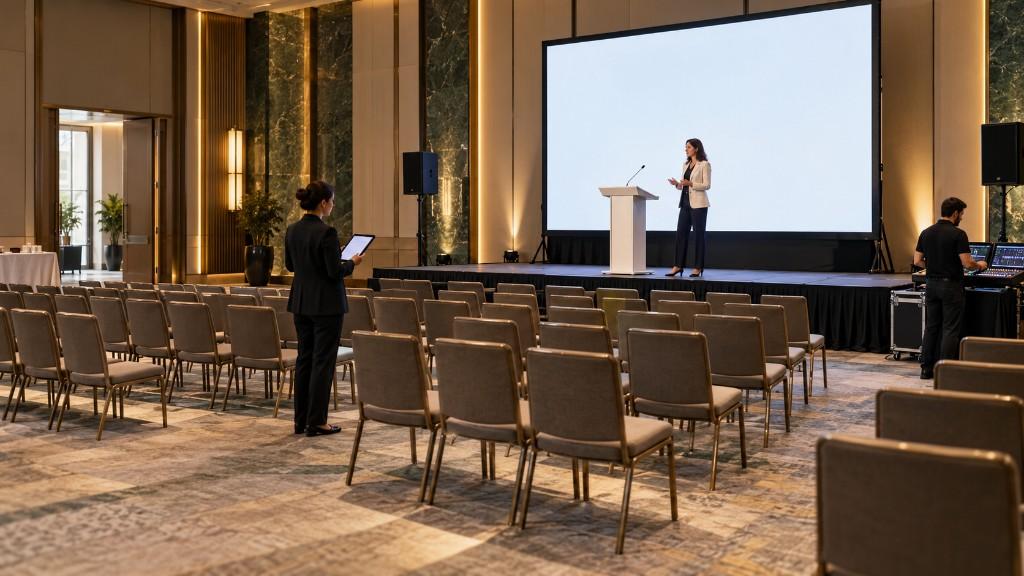
Testing sound, screen, light and internet with an empty slide is not enough. Run the real presentations, videos, remote connection and microphone handovers. Check whether the speaker can see the screen and time signal from their stage position.
Keep backups visible and available
Alongside the main presentation computer, keep current offline files, required adapters, a backup microphone or batteries and the technical contact list. A fallback is not a plan unless somebody knows they own it.
Where recording or streaming is involved, define attendee and speaker permissions, camera positions, audio source and file retention before the event. Do not publish VideoObject structured data until a real public video and its required details exist.
Use one event-day working document
A minute-by-minute running order should contain time, task, location, owner, required equipment and fallback note. Registration, stage, technical, catering and venue teams need access to the same current version.
At a short team briefing, confirm the communication channel, emergency method, decision authority and critical timings. Establish one operations point for reporting issues rather than debating them in front of attendees.
After the event, look beyond a survey score. Combine the difference between registration and attendance, session timing, technical incidents, frequent questions and team observations. Record three specific improvements for the next event.
A good conference plan cannot remove every surprise. It makes objectives, responsibilities and backups visible so the team can respond to change calmly and consistently.